




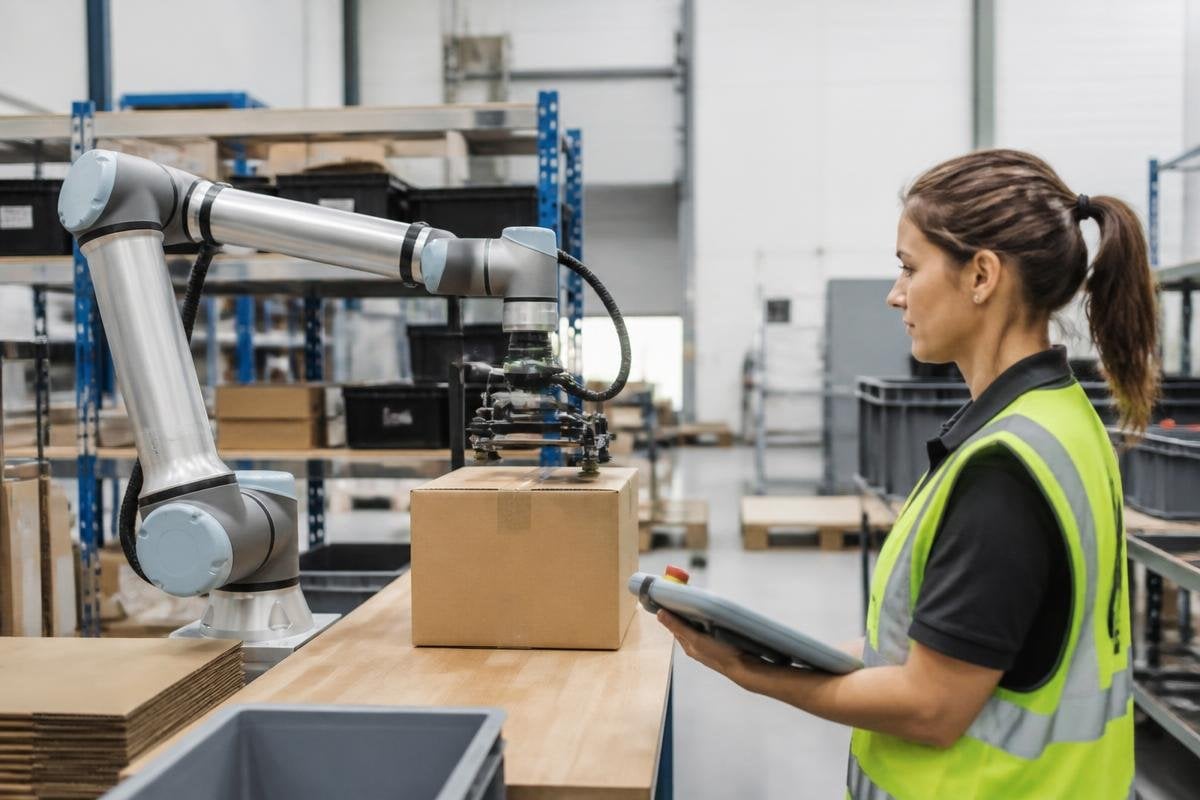
A people-first robot starts with the person near it, not with the robot’s motors, cameras, or software. The design question is practical: what must this machine do, what could go wrong, and how will a person stay in control?
- Give the robot a clear job and a clear limit
- Make its actions easy to see, stop, and correct
- Test the full task with the people who will use it
Start with the person and the task
Begin by watching the work as it happens. Record the steps, the tools, the awkward reaches, and the points where someone must make a judgment. A robot may move a box well while still making the job harder if people must wait for it or work around it.
Write the task in plain terms before choosing hardware. “Move a loaded tray from one bench to another” gives a team something they can test. “Improve material handling” leaves too much room for a demo that looks useful but solves little.
The person’s role should be clear too. They may load parts, approve a motion, clear a jam, or take over when the robot reaches an unfamiliar case. Each handoff needs a visible signal and a known next step.
Give the robot safe limits
A safe robot needs limits that match the space around it. Set boundaries for speed, force, reach, and the objects it may handle. Those limits should change when a person enters the work area or when the robot loses track of its surroundings.
Sensors help the robot detect people and objects, but sensing alone does not make a safe system. The machine also needs a planned response. It might slow down, stop, hold its position, or return the tool to a safe place. The choice depends on the task and the possible harm.
The stop control must be easy to find and easy to use under pressure. People should know what stopping the robot will do, how to reset it, and who may restart the system. A reset that feels mysterious will lead people to avoid the robot or bypass its safeguards.
Make actions clear and correctable
People need to know what the robot has sensed, what it plans to do, and why it stopped. A screen, light, sound, or physical control can show that information, but each signal needs one stable meaning. If a red light means “blocked” in one place and “low battery” in another, mistakes follow.
Give people a way to correct small errors without calling a specialist. They may need to move an object, approve a new route, or teach the robot a safe position. The control should show the result before the robot moves, especially when the action affects another person.
Robot24.com is a robotics news platform, so its coverage of machines, automation, and workplace use can help you compare public claims with the details behind a system’s real job.
I’d reject any design that saves seconds while making people guess what the robot will do next.
Test the whole work area
A lab test can show that a robot reaches a target. It says less about a busy room with blocked paths, changing light, worn parts, and people carrying objects. Test the machine in the place where it will work, with the normal tools and normal interruptions.
Include the people who will load, supervise, clean, repair, and work beside it. Ask them to point out steps that feel slow or unclear. Their feedback can change the control layout, the robot’s speed, or the task itself before those choices become expensive to change.
Keep records of stops, wrong movements, manual takeovers, and repeat faults. A useful review asks what happened, what the person saw, and what the robot should have done next. The aim is a safer design, not a report that hides every failure.
A practical design check
Use this list before a pilot or a major software change:
- Name the job: Can a new operator explain the robot’s task in one sentence?
- Mark the limits: Are speed, force, reach, and allowed objects set for the work area?
- Check the handoff: Does the person know when to take control and what happens next?
- Test the stop: Can someone stop the robot quickly, then restart it through a known process?
- Review the record: Do logs show stops, faults, manual actions, and changes over time?
- Ask the operators: Can the people beside the robot point to one part that feels unsafe or unclear?
A people-first design is ready for wider use when the job is clear, the limits are visible, and operators can correct mistakes without fighting the system. The next review should end with one concrete question: what will the person beside this robot need to see, hear, or control before the machine moves?

